1. Will my emails continue to work while Exchange migration is in the process?
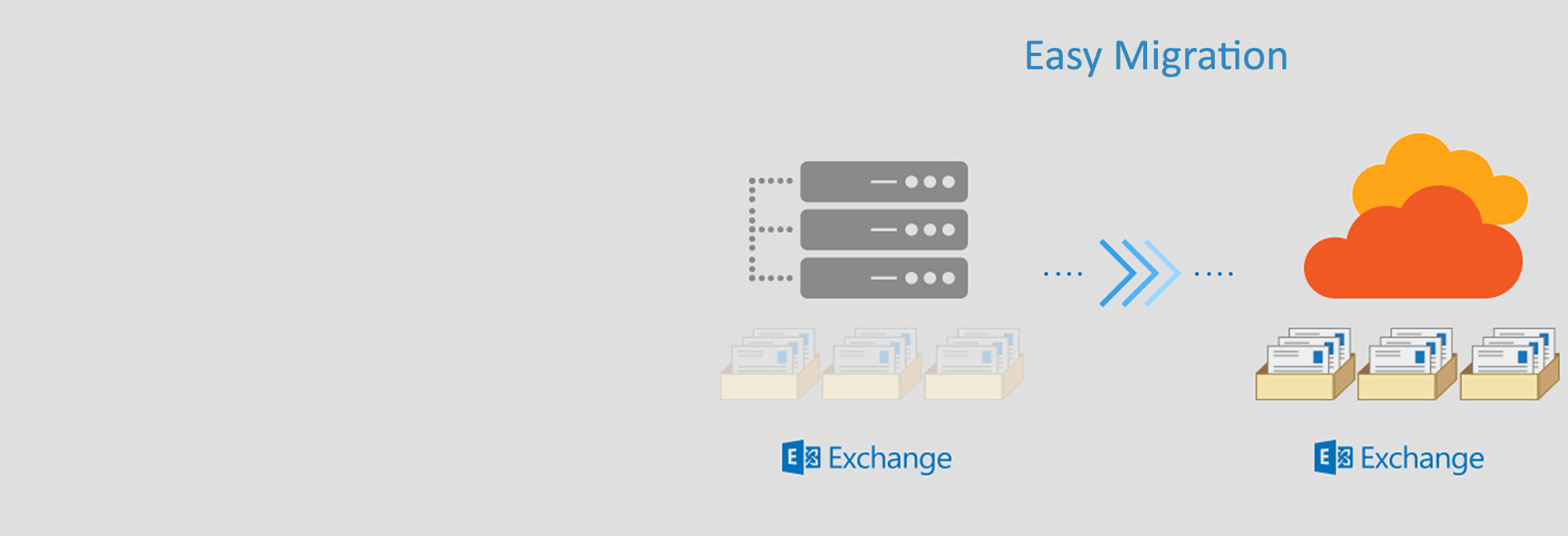
Yes. We have zero data loss and no downtime while migrations are in the process. You sign up for the plan, and we'll create the users for you. Your incoming emails will arrive at the new mailbox set up by us. During the migration process, your old emails continue to stay in your previous mailbox. After the migration is done, you can access all your emails in one place.
2. How does the process of migration work?
We have a well-defined process that includes account synchronization and test migration of representative users, which helps identify obstacles and provide for resolution time. Such hands-on measures help us adhere to a clearly defined schedule for complete migration without any glitches.
3. How does Apps4Rent instill confidence that they are the migration experts I need?
We act as your expert IT partner while doing the migration, onboarding, and deployment. We maintain clear and regular communication to keep you informed of every stage of the transition and progress being made. We also constantly monitor and manage your important information during the migration and deployment. Our objective is to make your transition to Exchange stable, predictable, and comfortable to use.
4. What is the post-migration support that I will get?
Our end-to-end services as a leading Exchange migration service do not stop at migration as we extend our assistance to ensure maximum user comfort and productivity with Microsoft Exchange. As Microsoft Exchange is a premier email system, we support you to enable and enjoy the new features and apps as Microsoft makes them available.
5. What kind of support will Apps4Rent provide me for Microsoft Exchange?
As CSP for Microsoft, Apps4Rent offers free migration and 24 /7 support to end-users for issues that take up your time such as password resets, setting up aliases and contacts, configuring email accounts, creating groups, configuring Skype, synchronizing OneDrive, exploring search features, and optimizing browser settings. Apps4Rent also helps you with installing and configuring Office 2016 on your Windows/iOS/Android devices and handling DNS records. Apps4Rent has a dedicated team of migration experts that will assist you for migrating to Microsoft Exchange seamlessly.
6. Is it possible to use my own domain name for the emails in Microsoft Exchange?
Yes, you can add the domain name you own to your Exchange account and set up your domain-based email addresses. You can even add multiple domains and sub-domains to Exchange and host any of the services, including email, on any of the domains that you add. You must own a domain name and as an admin, you can make changes on the DNS records of your domain, of course, we will guide you for this.
7. Is there a contract period?
No. But depending on the annual or monthly pricing, you have different pricing. For the annual commitment plan, you pay same price as Microsoft. You can opt for our monthly plans too, if you do not wish to commit to our annual plans.
8. Do I get 24/7 Support?
Yes. Apps4Rent offers round-the-clock 365-day Support by Microsoft-certified Exchange experts. From helping you install printer drivers or various other devices on these desktops to designing the right solution for your collaboration requirements, our support team will do it all. We work like your internal IT team and we serve our customers with a smile.
9. Is my data safe with Apps4Rent?
Yes. We are very serious about the data security of our customers. We have secure firewalls that keep your crucial data 100% safe. We also abide by the GDPR policy. If your organization is very rigorous about data security, you can foolproof your security by backing up your data on Azure Backups.
10. What else is included in Exchange?
Yes. Exchange also includes collaboration software SharePoint which can work as intranet, wiki, blog, contact management tool, project management software, online storage space and more. We also offer you with the custom standalone and hybrid solutions for on-premise or cloud environments.
11. Can I access it from anywhere?
Yes. Apps4Rent's Exchange is cloud-based offering, which means it can be accessible from anywhere at any device be it PCs, Macbooks, iOS/Android devices, Chromebooks, tablets, and remote browsers.
12. Why should I choose Apps4Rent over Microsoft Exchange migration services?
Apart from our rich expertisee in offering Microsoft Exchange solutions, we claim to have the lowest prices in the market. We also offer 15-day money back guarantee. We have Microsoft Gold Certification in Small & Midmarket Cloud Solutions, and Application Development. We also have Microsoft Silver Certification in Collaboration and Content. With more than 10,000 customers including Fortune 500 companies, Apps4Rent is an established name in cloud business since 2003.
13. I wanted to go ahead with the Exchange migration. What do I do?
Fill the form specifying your requirements. If you have any special requests, please talk to our team. Thank you for choosing Apps4Rent.